
A new generation of media.
Neocast is three things:
Streaming ↗
Find your next favorite film, video, or live stream.
Studio ↗
Turn your footage into finished videos and clips, with you in control.
Sesh ↗
Let your personal agent help you find something to enjoy and people to enjoy it with.
Stay for the story
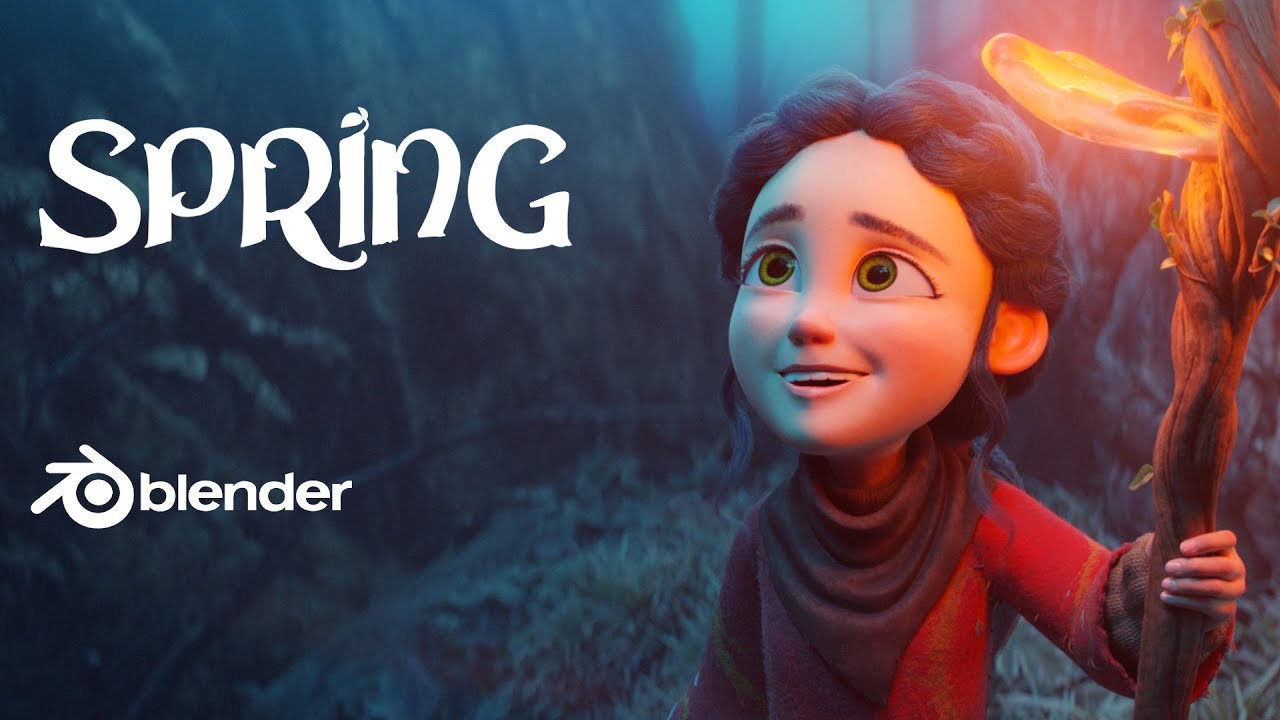
Spring
Animation · 8 min
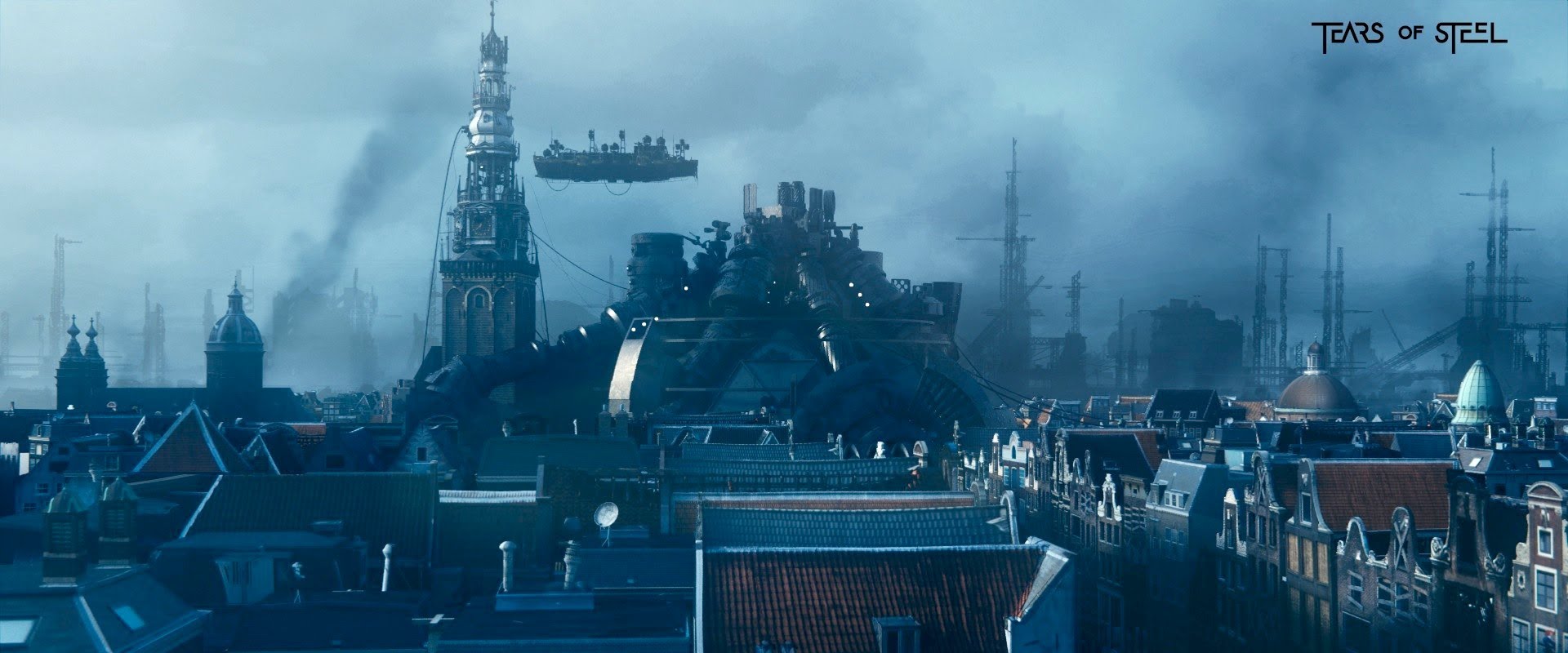
Tears of Steel
Sci-Fi · 13 min
Sintel
Animation · 15 min

Big Buck Bunny
Animation · 10 min
From the published Neocast catalog. Film credits stay with every player.
Your footage.
Your final cut.
Studio finds the possibilities.
You decide what makes the cut.
Bring it in
Upload footage you own. Your source stays private while you shape the story.
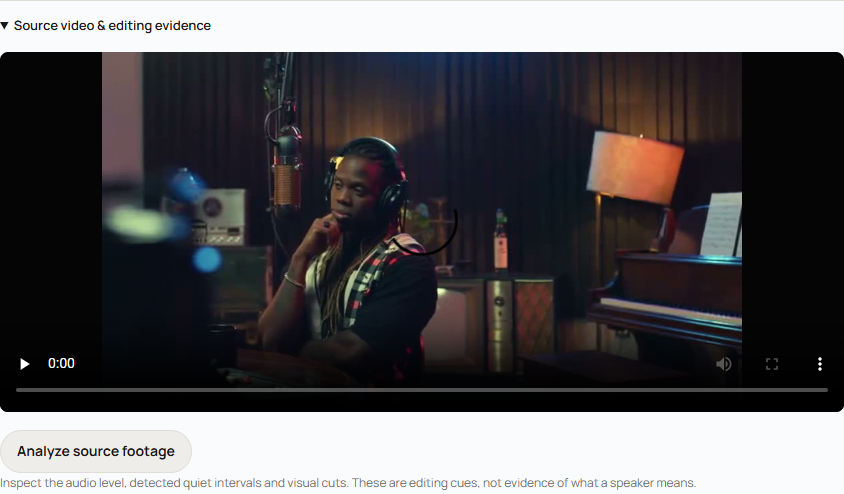
The real Studio, with an illustrative local project.
Shape the story
Ask AI for an edit plan or make a cut yourself. Review the result before it leaves your workspace.
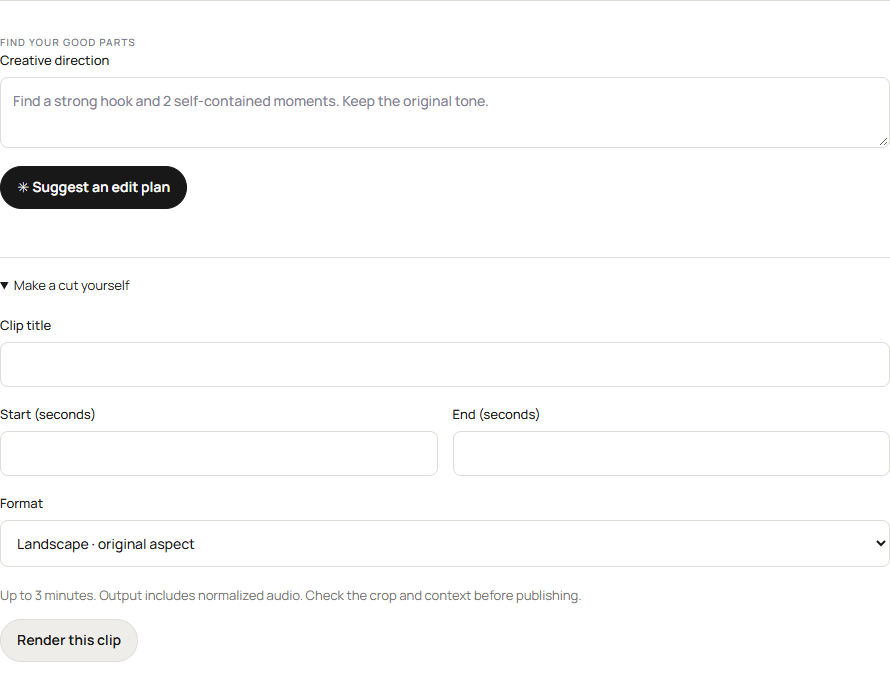
AI suggestions require a connected analysis provider.
Make the call
Your work stays yours. Confirm your rights and explicitly choose when to publish on Neocast.

Your agent cannot publish from catalog access.

Less scrolling.
More Sesh.
A starting point for your personal agent. Built around what you enjoy and who you want to spend time with.
Share your interests and availability. Your agent can help you find something to watch or play, and people with something in common.
Paste this into your personal agent to begin.
Before you jump in
What is Neocast?
Neocast brings together Studio for creators, Streaming for audiences, and Sesh for your personal agent. One account connects the three.
Can I start now?
Yes. Explore published videos without signing in. Create an account to use Studio and connect Sesh. No invitation needed.
What does the AI do?
In Studio, AI helps find moments and proposes an edit plan. Through a scoped connection, your agent can search the video catalog. You review the work and control publication.
What is Sesh?
Sesh gives your own agent context about your interests, preferences, and availability to help you find entertainment and connections. Set it up from the Sesh page.
Who owns my footage?
You do. Upload media you own or have permission to use. Uploads and rendered clips start private. You decide what to publish.
Can my agent publish?
Catalog access for agents is read only. Creators explicitly approve publication in Studio. Connecting an agent does not give it permission to publish your work.